Skills are writing.
Write them together.
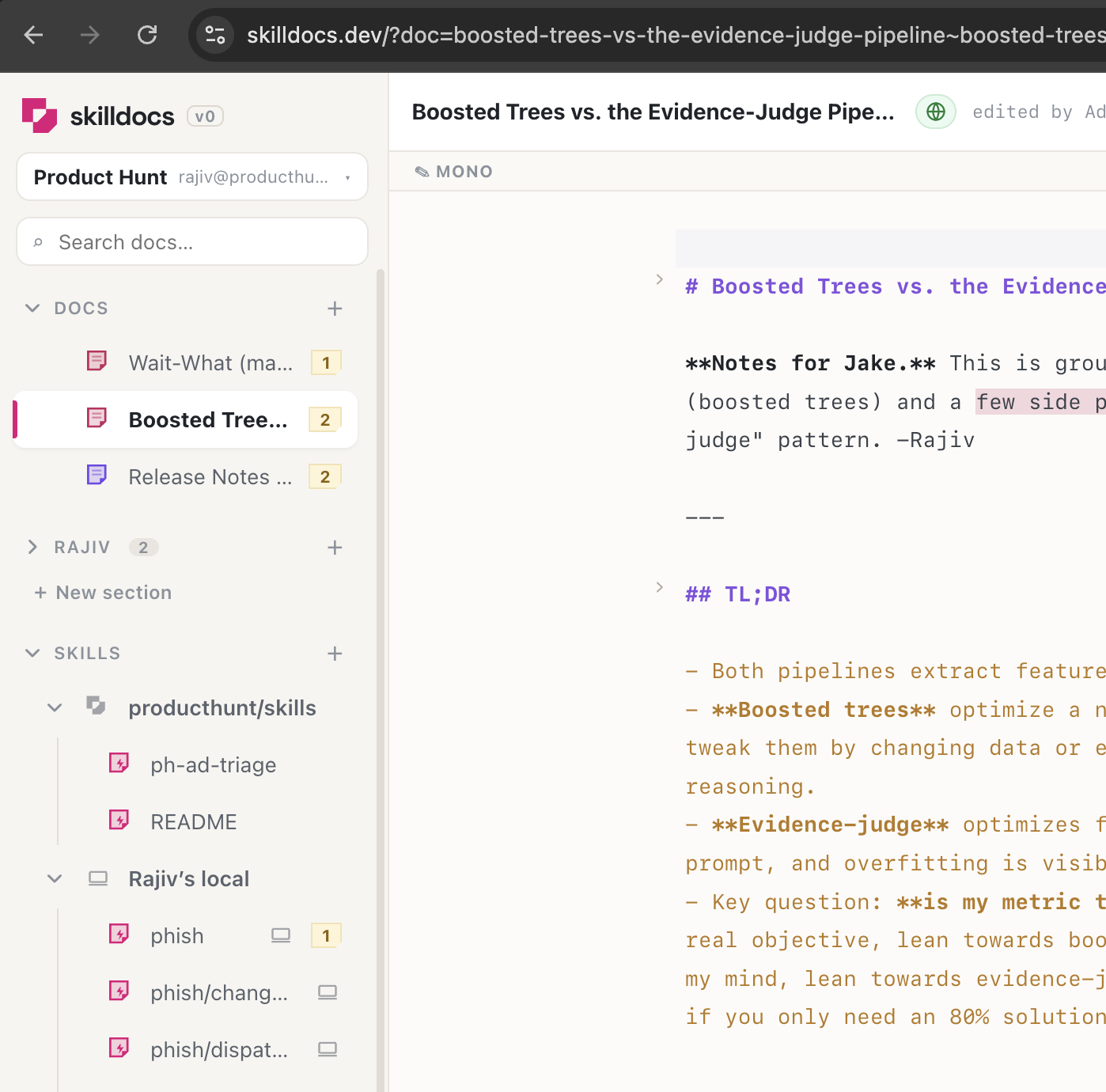
SkillDocs is a collaboration layer for the markdown your agents run on. Open a skill, and everyone is in it at once — real cursors, inline comments, and an editor that renders as you type. Then hand the whole conversation back to the agent.
Built in the lineage of the tools that got this right: HackMD's markdown-first writing, Figma's presence, Google Docs' comment threads — pointed at the files that teach your agents how to work.
Markdown you don't have to squint at
One surface, not a split screen. Headings, lists, tables and diagrams render live — and the raw markdown appears just-in-time around your cursor, so you always know what you're actually editing. The file on disk stays plain markdown, character for character.
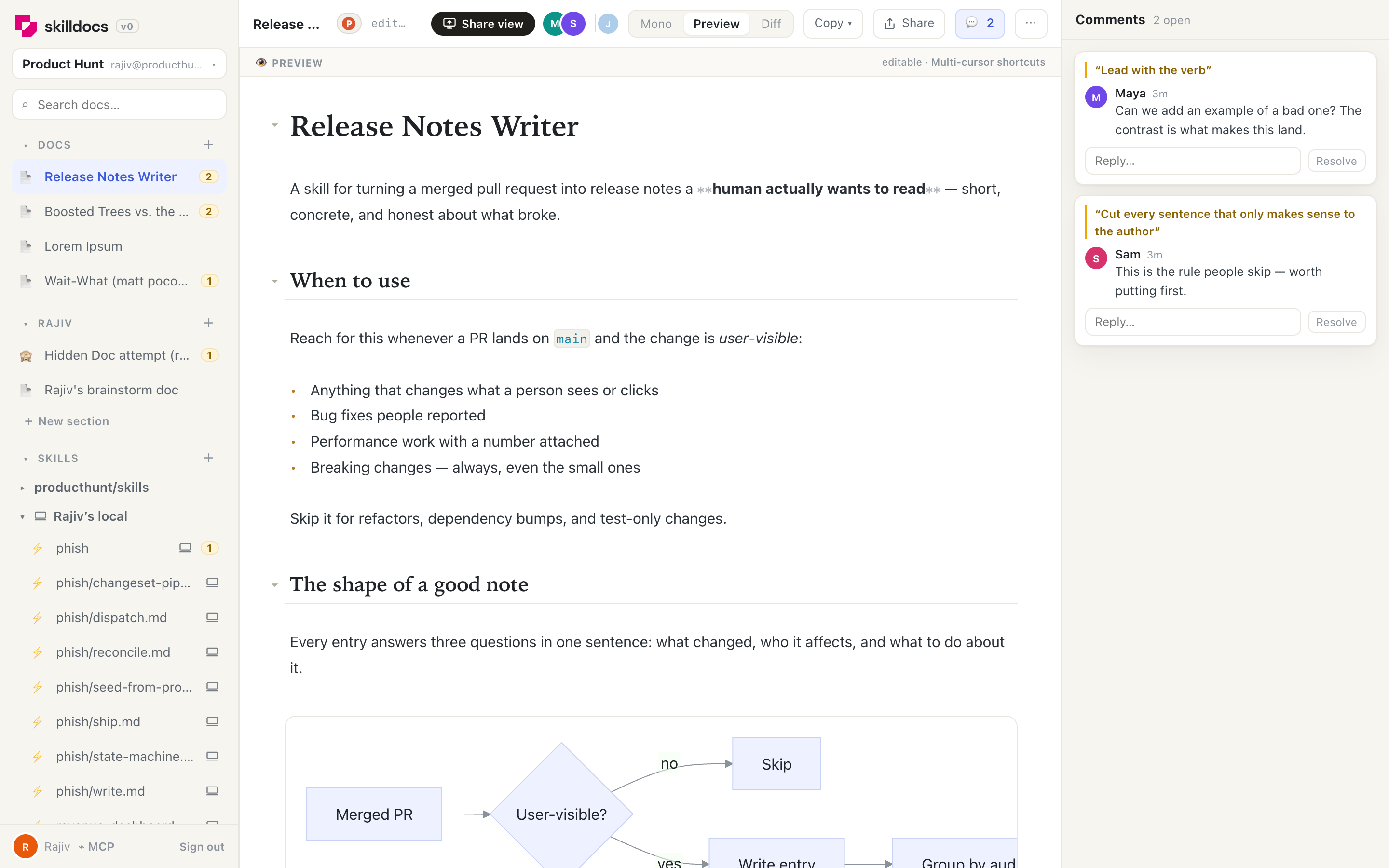
** markers fade in — everything else stays rendered. Mermaid diagrams draw themselves in place.- Live preview — syntax reveals where you're working, nowhere else
- Diagrams inline — mermaid renders as you type it
- Multi-cursor — ⌘D, ⌥click, column selection
- Fold by heading — collapse a section, keep the shape
Everyone in the document, at the same time
The document is a CRDT, so concurrent edits merge character-by-character. No save button, no conflict dialog, no way for two people to overwrite each other. You see their cursor, their selection, their name — and can follow anyone's view like a screen share.
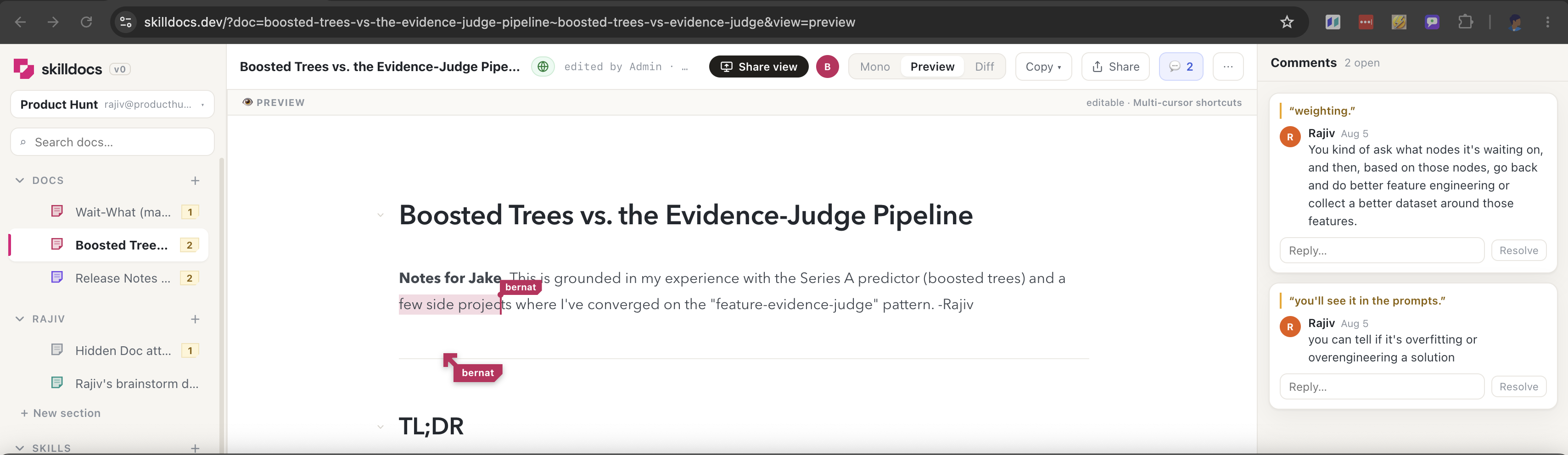
- Real cursors — position and selection, not "last saved by"
- Follow mode — ride along, including their folds
- Share view — invite the whole doc to follow you
- Never conflicts — merges are automatic and lossless
Feedback that stays attached
Select any text and comment. Threads anchor to the words, not to line numbers, so they travel as the document changes underneath them.
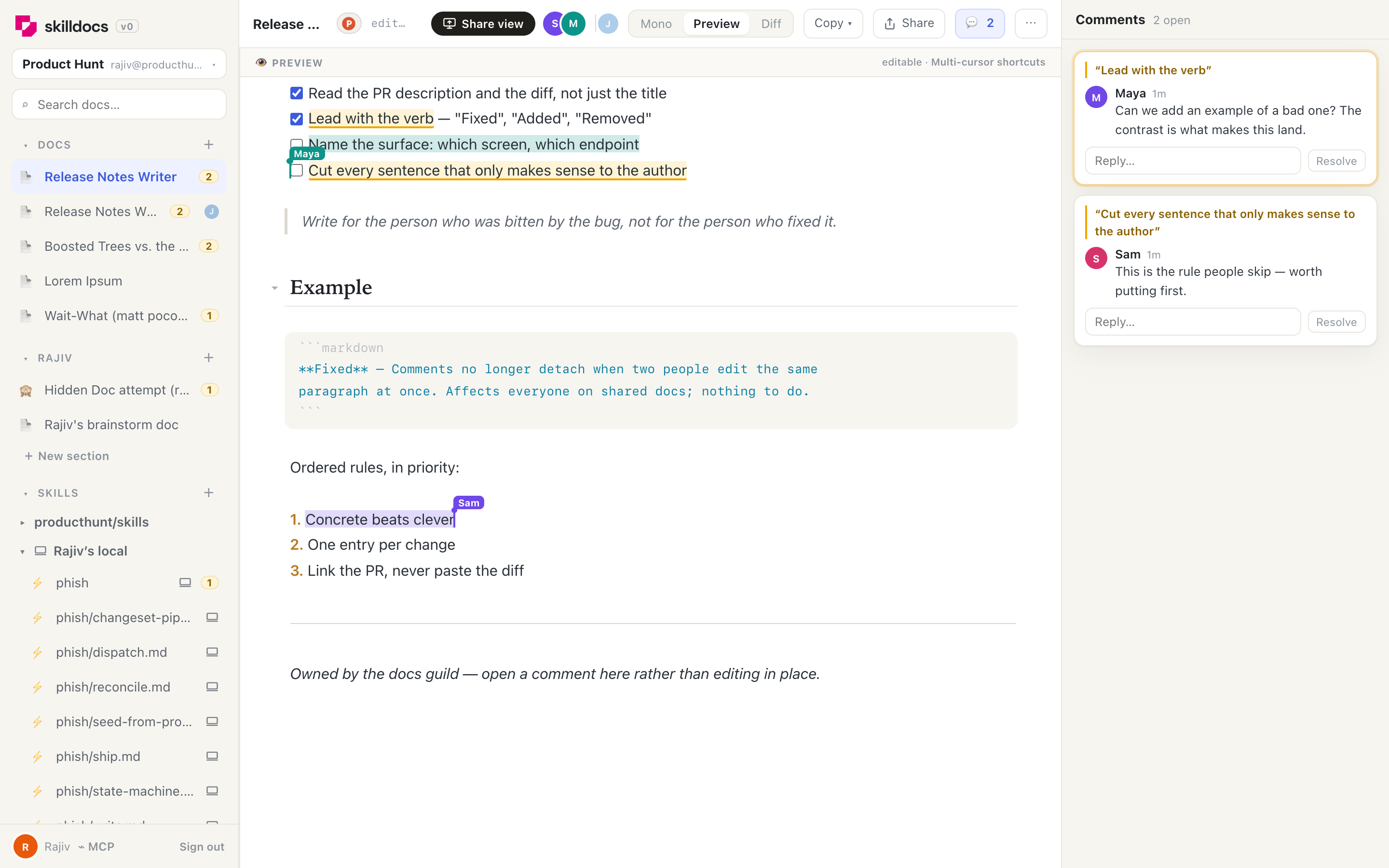
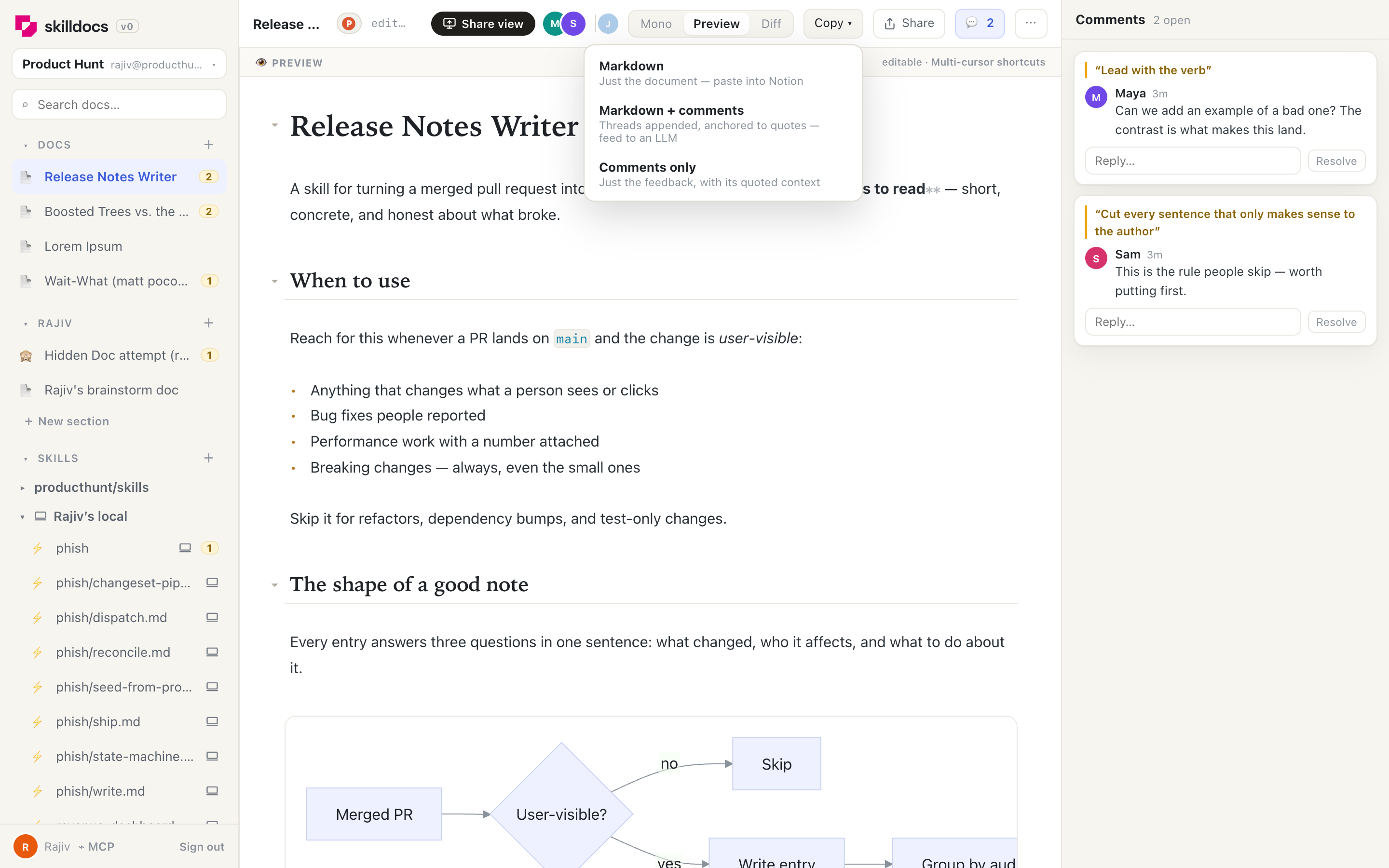
Copy the document — and the argument about it
The reason the comments exist in a structured form: you can take the document and its threads as one markdown blob and hand it straight to an agent. It reads the feedback with the quoted context attached, and knows what to change.
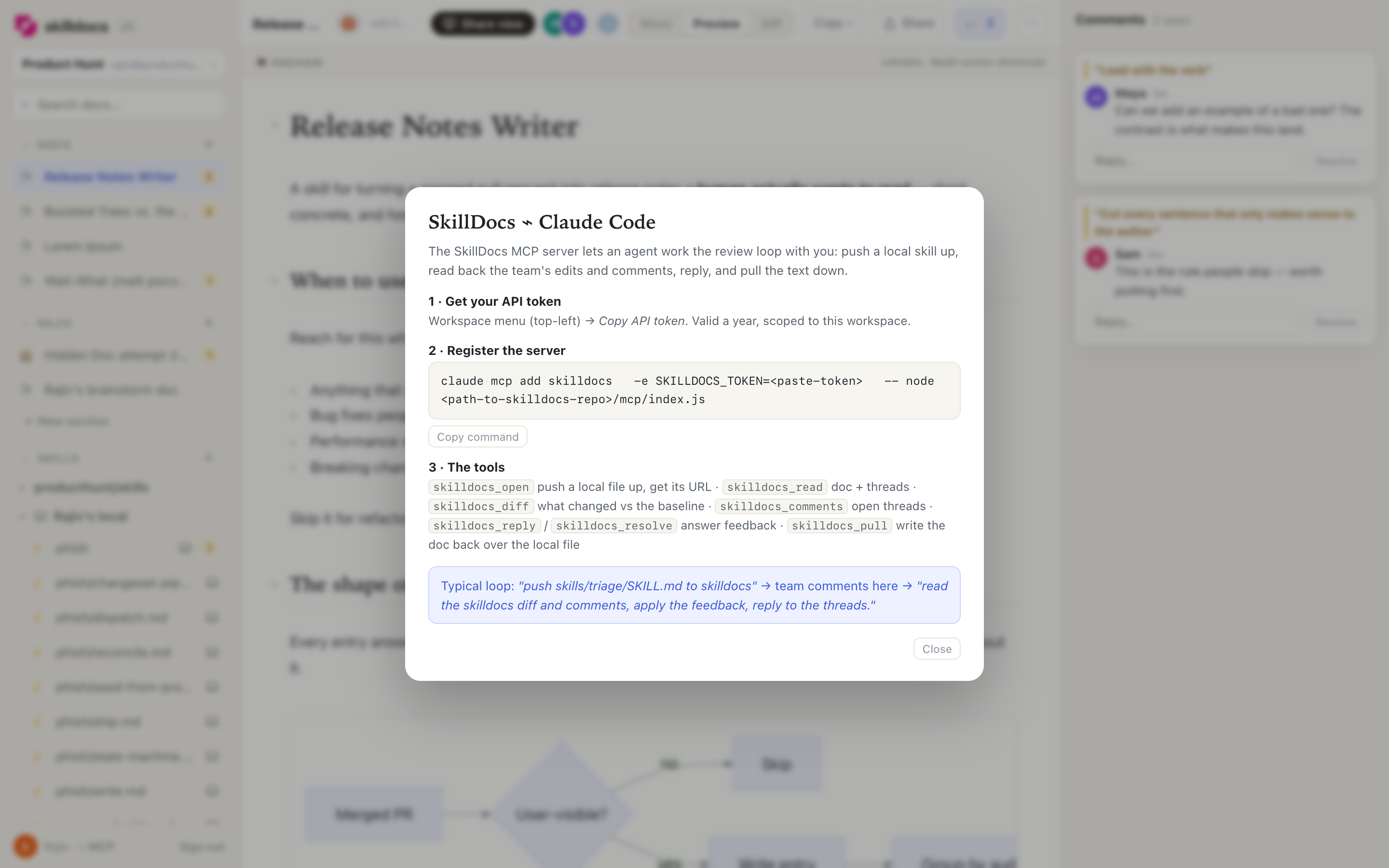
Claude Code works in here too
The SkillDocs MCP server closes the loop the product was built for. An agent pushes a local skill up, the team edits and comments here, and the agent reads back the diff and the threads — then replies to them.
⌁ skilldocs_open → skilldocs.dev/?doc=release-notes-writer
— the team edits and comments in SkillDocs —
you ▸ read the skilldocs diff and comments, apply the feedback, reply to the threads
⌁ skilldocs_diff → 2 sections rewritten since the baseline
⌁ skilldocs_comments → 2 open threads from Maya and Sam
⌁ skilldocs_reply → answered both, applied the checklist reorder
⌁ skilldocs_pull → wrote the doc back over the local file
Your skills, wherever they live
Connect a GitHub repo and its skills appear. Push from a laptop and those appear too, marked as local. Group anything into sections you name yourself — the sidebar is the same shape as the way your team actually talks about the work.